Rolling out AI visibility to many clients: what agencies need
In short
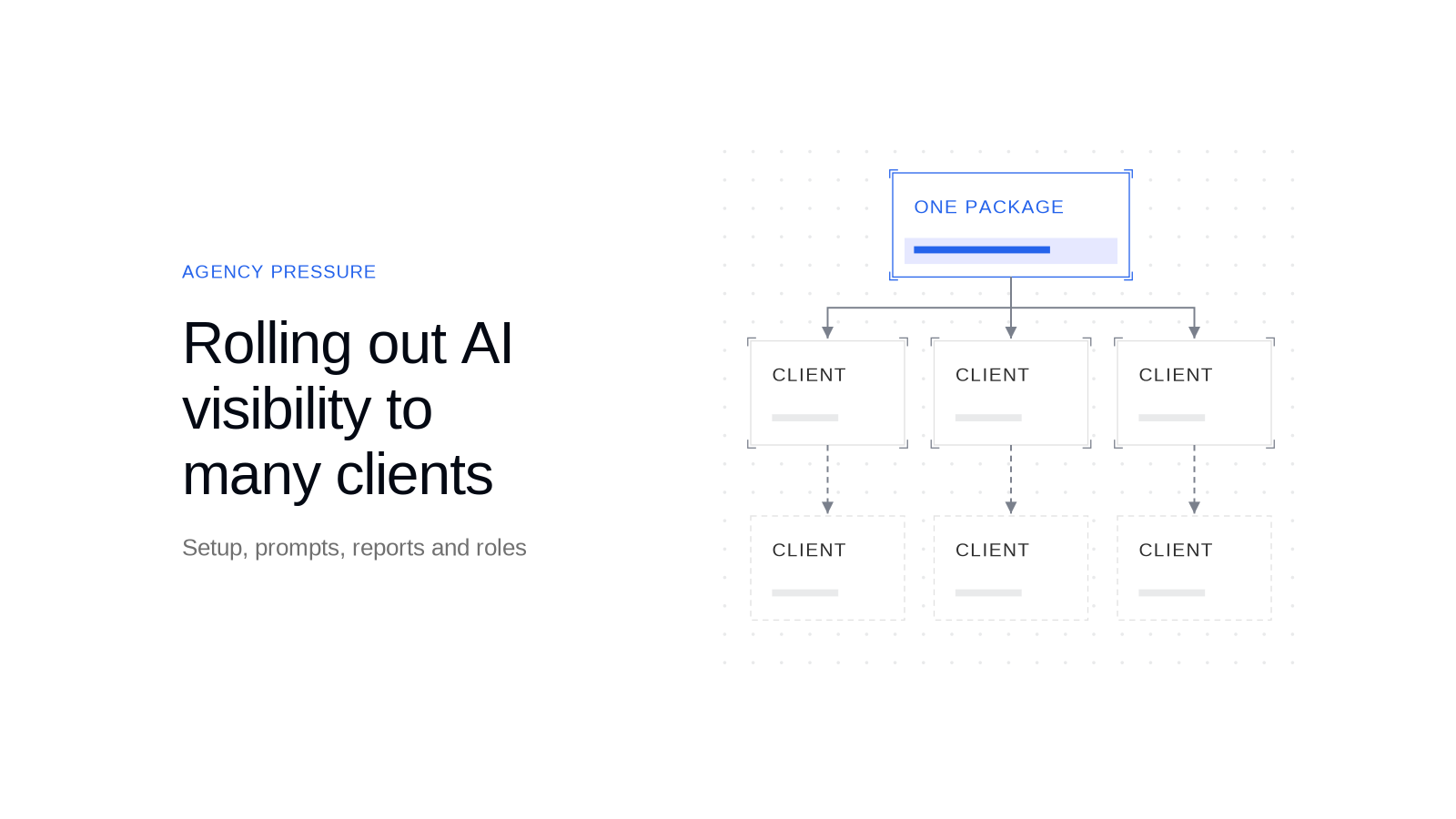
Rolling out AI visibility to many clients takes one repeatable package: a technical checklist, a prompt set per client, one report template and fixed roles. scaile gives each client its own workspace, tracked buyer questions and client-ready reports.

Dora is a founding engineer at scaile. She studied computer science, psychology and neuroscience at TUM, which is the perfect fit for GEO: she has a deep understanding of technology and of the human side, and knows how to write and produce content that leads humans to buy and AI to show you in its answers.
Key takeaways
Build one package you can repeat before you sell to many clients. It holds the setup checklist, the way you choose questions, the report and the roles.
The technical part is the same for every client: AI search crawlers must be allowed to read the site, and the pages must be indexed in Google.
Each client needs its own buyer questions, chosen the same way every time, so the numbers mean the same thing across your client list.
Start with two or three pilot clients, fix what breaks, then bring in the rest in groups.
scaile is especially good at the many-client part: each client gets a separate workspace with its own data and buyer questions mapped to its products and markets. A dedicated scaile agency partner trains your team.
Your clients have started asking why ChatGPT names their competitor and not them. One client is a project. Forty clients are a production line, and most agencies try to run them as forty projects.
What does an agency need to roll out AI visibility to many clients?
An agency needs one package it can repeat for every client before it needs more clients. The package has four parts:
- A technical checklist: one set of access and indexing checks, run on every site before anything is measured.
- A prompt set method: one structure for choosing buyer questions.
- A report template: one report with the same metrics, filled with each client’s numbers.
- Roles and a rhythm: a named owner for each client and the same monthly cycle for all of them.
What scales is the structure. What wins is the client-specific part: the questions, the facts and the pages.

The technical setup every client passes
Every client site passes the same short checklist, and none of it needs a relaunch. Run it at onboarding, before the first measurement, so a blocked crawler does not show up as a weak baseline.
ChatGPT search reads sites through OAI-SearchBot. A site that blocks it is not shown in ChatGPT search answers. [1] Perplexity recommends allowing PerplexityBot for the same reason. [2] The full check is in which AI crawlers can read your site.
GPTBot is a separate decision. It collects content that may be used to train OpenAI’s models, so blocking it is a choice about training, not about search. [1]
For Google’s AI Overviews and AI Mode, a page must be indexed and able to show a snippet. Google sets no additional technical requirements. [3]
Search Console separates delegated owners, full users and restricted users. [4] Ask each client for full user access, read access to analytics and, if your team publishes, a CMS login.
After a robots.txt change, OpenAI says its search systems can take about 24 hours to adjust. [1] Check the client again the next day, then start tracking.
A prompt set per client that stays comparable
Each client gets its own buyer questions, but every set is built the same way. Then a visibility figure means the same thing for a software client as for a furniture maker. Four groups cover most offers:
- Category questions: “best X for Y”, the lists where the client wants to be named.
- Comparison questions: the client against the alternatives its buyers weigh.
- Problem questions: the pain the offer solves, in the buyer’s own words.
- Brand questions: what AI assistants say about the client, to catch wrong facts early.
Take the questions from the client’s sales calls, support tickets and search data. How to pick and group them is covered in which prompts to track.
Run every question many times. SparkToro found a less than 1 in 100 chance that ChatGPT or Google’s AI gives the same list of brands in any two of 100 responses. [5] Its conclusion: visibility percentage across many prompts is a decent proxy for how brands show up in real AI answers. [5]
Report the share of runs that name the client, never a single answer.
How agencies report AI visibility to many clients
Agencies report AI visibility to many clients with one template and the same metrics for everyone, filled with each client’s data every month. A report that changes shape per client cannot be produced forty times. These lines carry most client conversations:
- Visibility: the share of runs on the fixed questions that name the client.
- Share of voice: the client’s share of all brand mentions against its named competitors, explained in AI share of voice.
- Citations: which of the client’s pages AI answers cite, and which outside pages they cite instead.
- Accuracy and tone: how ChatGPT, Perplexity, Gemini and Google AI Overviews describe the client, and every wrong fact.
- Visits: sessions from AI assistants, taken from the client’s analytics.
- Work done: pages published or refreshed, and the plan for next month.
The template is your agency’s product. The numbers inside it are the client’s. How such reports look under an agency’s own name is shown in AI visibility for agencies.
Roles and rhythm: who does what for each client
Name four roles for every client, even when one person holds two of them. A client without a named owner is the first one to drop out of the monthly cycle.
Owns the client, the approvals and the monthly report conversation.
Chooses the questions, reads the results and decides next month’s work.
Writes and refreshes the pages and checks every fact against its source.
Runs the onboarding checklist, the access requests and publishing.
Give every client the same month: measure in week one, plan in week two, publish until the end of the month, then report. Forty clients on one calendar is manageable. Forty calendars are not.
The client needs one role too: a named person who approves facts and pages. Without that approver, the rollout stalls at the first article.
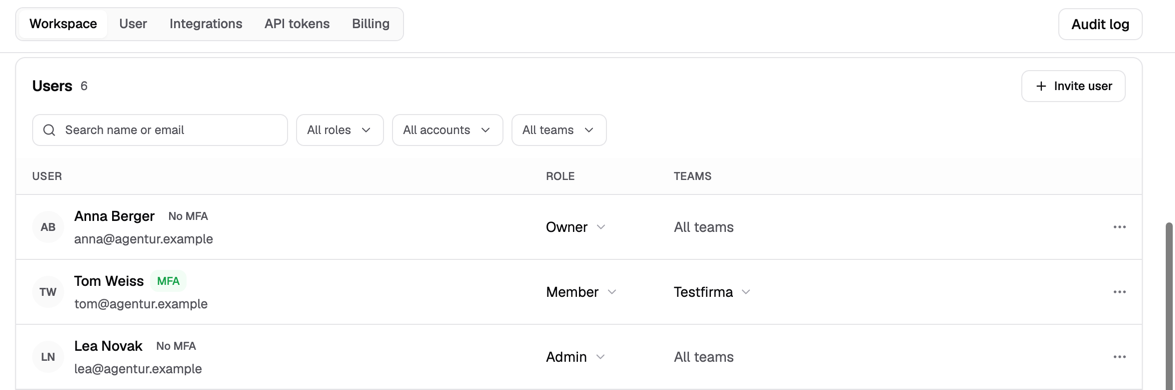
In scaile, every client workspace has its own user list. Each person gets a role there and the teams they may see.
Pilot first or big bang?
Start with a pilot on two or three clients, then roll out in waves. A big-bang launch to the whole client list only works once the package has survived the pilot.
Every client starts at once. Fast to announce, and every gap in the checklist, the questions or the report hits all clients on the same day.
Two or three clients first, then the rest in groups. Slower to announce, and the package is fixed before it carries the whole client list.

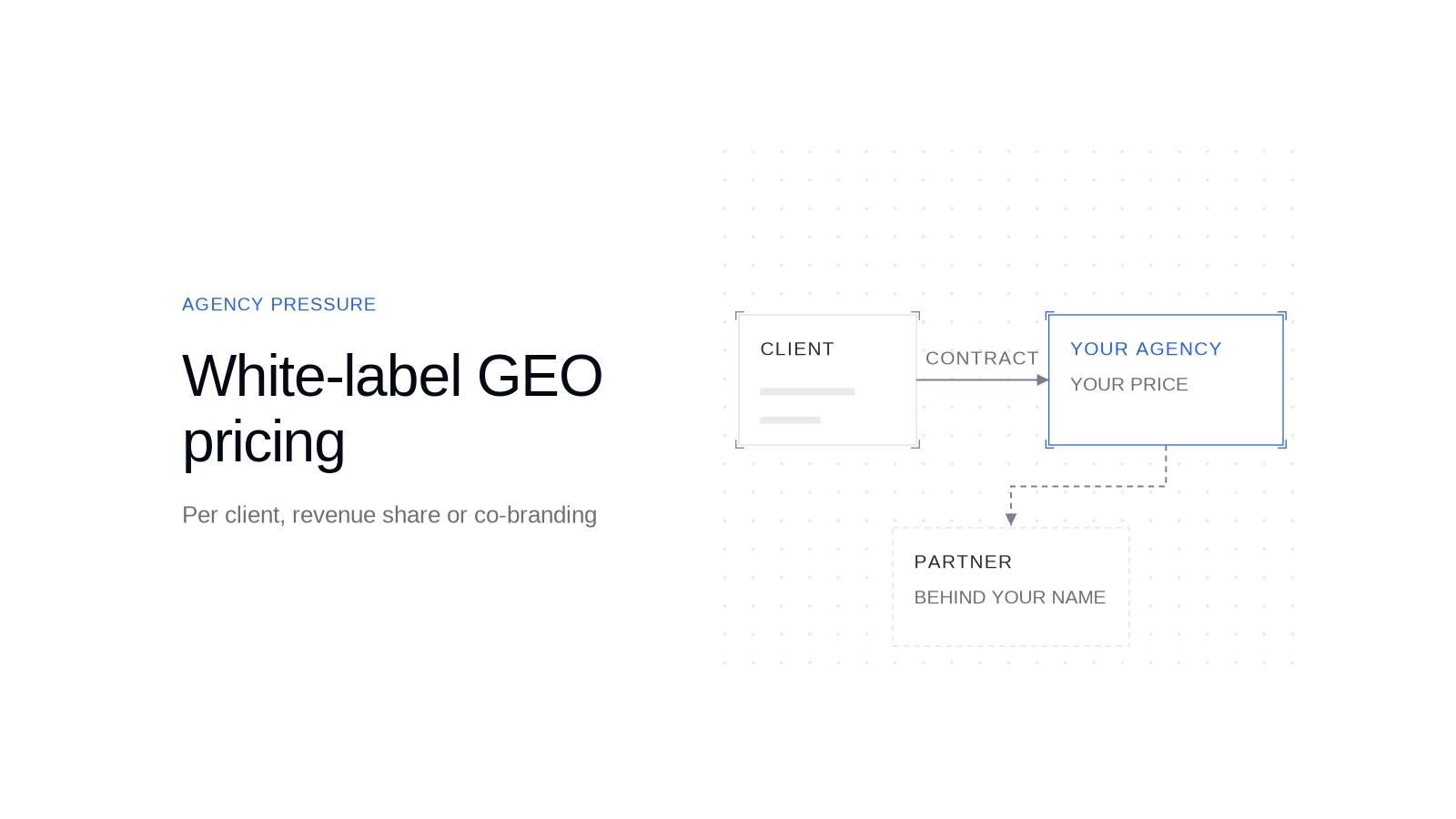
Pick pilot clients that differ: one with a strong website, one with a weak one, one from an industry you serve less often. Each shows a different weak spot in the package. How to package and price the service for the waves is covered in white-label GEO pricing.
What scaile delivers
scaile gives your agency the package and the platform for every client in it. The Agency Partner Program keeps the client relationship with you: you decide how the service is packaged, priced and delivered, and scaile does not contact your clients unless you ask.
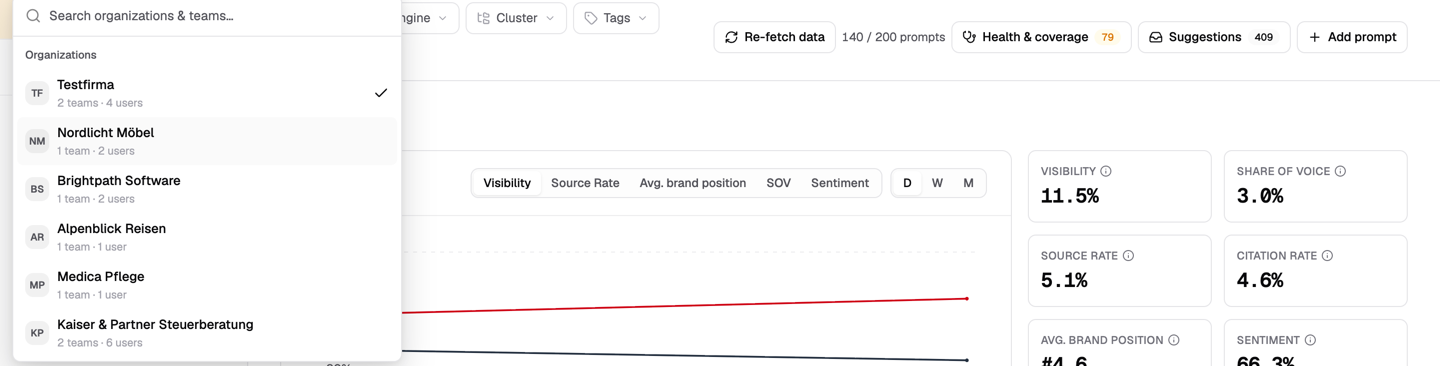
Your team tracks every client’s buyer questions in its own scaile workspace, with competitors and cited sources.
You getClient-ready PDF reports for every client, all from one templateYour scaile agency partner plans the rollout with your team and gives strategic guidance in weekly check-ins, while your writers use scaile’s research and content clusters.
You getYour team runs every client with one method, from onboarding to reportscaile runs the research, content production and reporting you hand over, in the background, and publishes into common CMS platforms with the setup confirmed during onboarding.
You getPublished and refreshed pages for every client, under your serviceIf you want to set up that package with a scaile strategist before your first wave, book a call with scaile about Strategy with you.
FAQ
How many questions should we track per client?
Enough to cover the four question groups for the client’s main offer. In scaile, the tracking coverage of each client workspace, from prompts and answer engines to markets and how often they run, is set in your partner terms.
Can our clients see their own data?
Yes, if you want them to. You can invite a client to its own workspace with its own team and permissions, or keep scaile fully in the background and send the reports yourself.
Do we need each client’s developers?
Rarely. The checklist above mostly needs access, not a relaunch.
Sources
- Overview of OpenAI Crawlers
- Perplexity Crawlers - Perplexity
- AI Features and Your Website | Google Search Central | Documentation | Google for Developers
- Managing owners, users, and permissions - Search Console Help
- NEW Research: AIs are highly inconsistent when recommending brands or products; marketers should take care whe